
| Time | Status | User Agent | |
|---|---|---|---|
Retrieving recent requests… | |||
Send Request Behavior with 2FA
With 2FA Enabled
Records are initially created in a draft state and require manual confirmation through the dashboard before processing can begin. Only after confirmation will requests be processed.
‘Send Request’ should be confirmed in the account dashboard under Payouts → Outgoing Payments

With 2FA Disabled
Requests are processed immediately upon creation, without requiring manual confirmation. You can enable or disable the 2FA setting at any time in the API section of the dashboard.
2FA Configuration
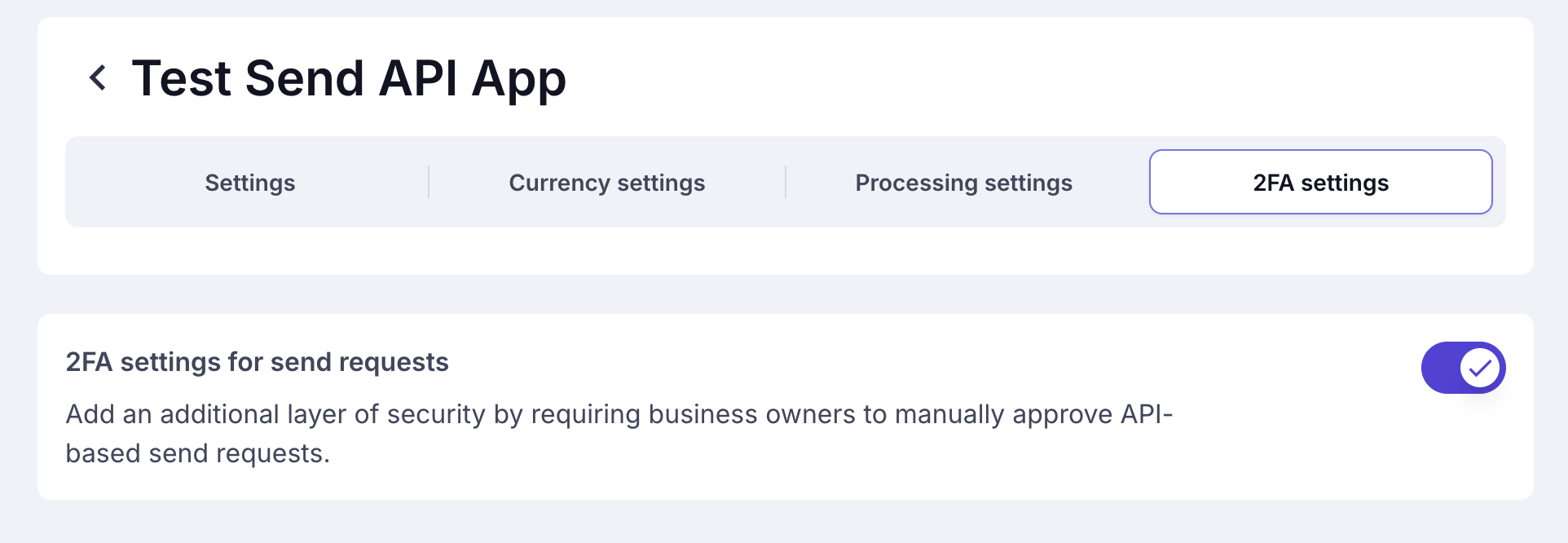
You can enable or disable the 2FA requirement for each ‘send request’ in API App → Select API App → 2FA Settings
API Response of Send Request
Send Request ObjectThe Send Request response has the same structure as the Send Request Callback. For detailed descriptions of each field, please refer to the ‘Send Request Callback’ documentation page.